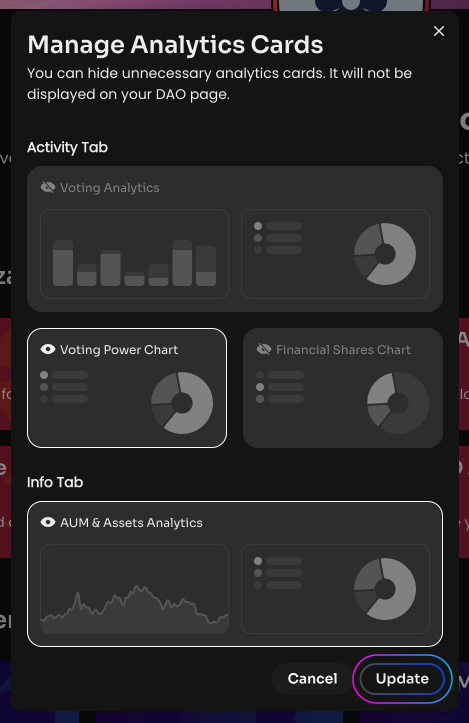
Edit DAO Analytics
This feature is only available after upgrading your DAO.
You can hide unnecessary analytics cards. They will not be displayed on your DAO page.
To hide unnecessary analytics cards:
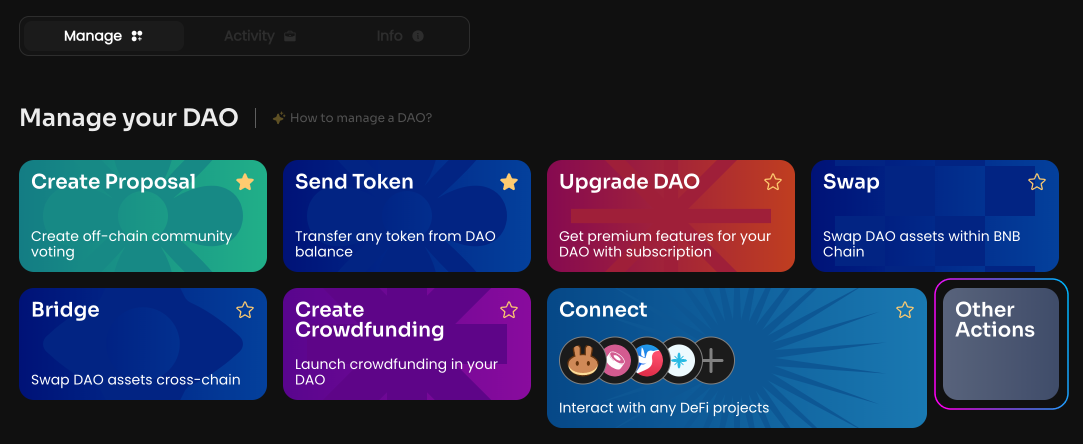
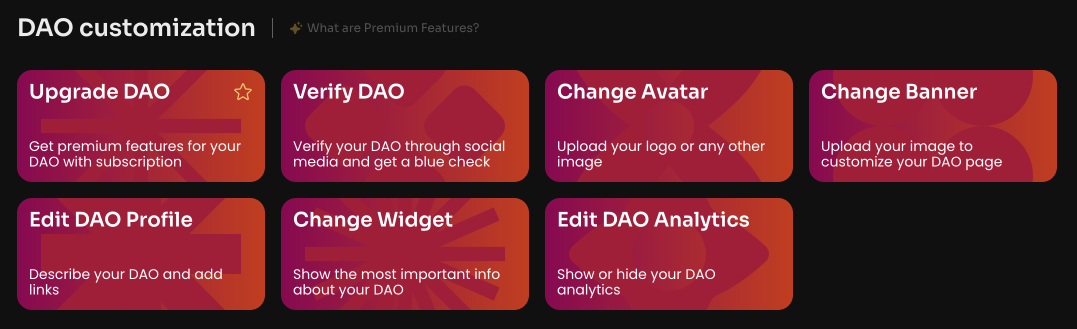
Click Edit DAO Analytics on the Manage page in your DAO.
Choose the analytics cards that will not be displayed on your DAO page. 4 analytics cards are currently available: Voting Analytics, AUM & Assets Analytics, Voting Power Chart, and Financial Shares Chart.
Click Update and sign the message in your wallet.