Verify DAO
This feature is only available after upgrading your DAO.
After upgrading your DAO, its verification will become available.
To get a blue checkmark on your DAO page and be included in our lists of top DAOs in the future:
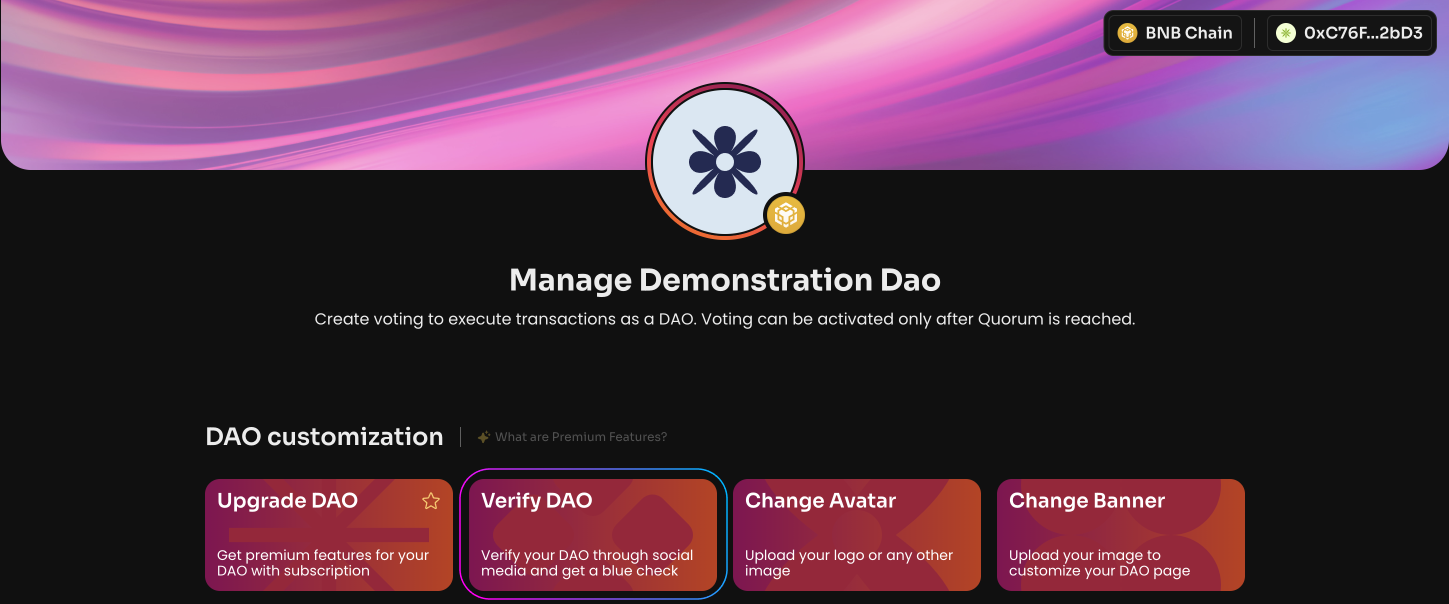
Click Verify DAO on the Manage page in your DAO.
Specify: the DAO's email, the founder's or key member's email, the founder's/member's Telegram contact, a link to Twitter, a link to Discord, a link to Telegram, a link to the website; send a public message from the Twitter account to confirm verification.
After successfully filling out the form, our team will contact you to complete the verification procedure.
As soon as you successfully complete verification, the "DAO's social links were not verified" notice will disappear.