Add Permitted
Add Permitted lets you use any smart contract as a module, and allows the specified address to perform any operations on behalf of the DAO without a vote.
A Permitted address acts on behalf of the DAO without voting or confirmations. Only add addresses and smart contracts to Permitted that you fully trust: you are effectively granting them the right to manage the DAO's assets.
To add an address to Permitted:
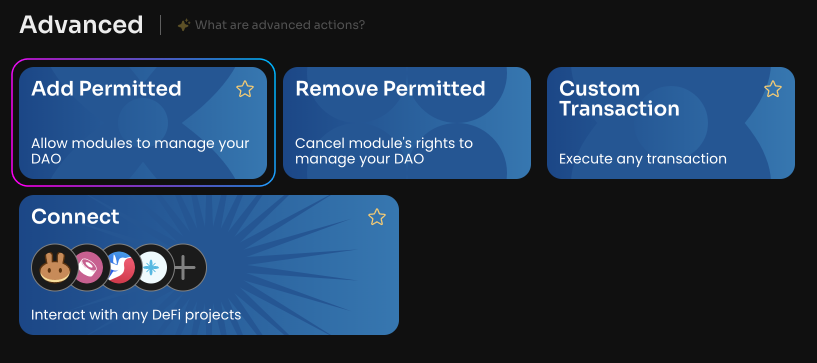
Click Add Permitted on the Manage page of your DAO.
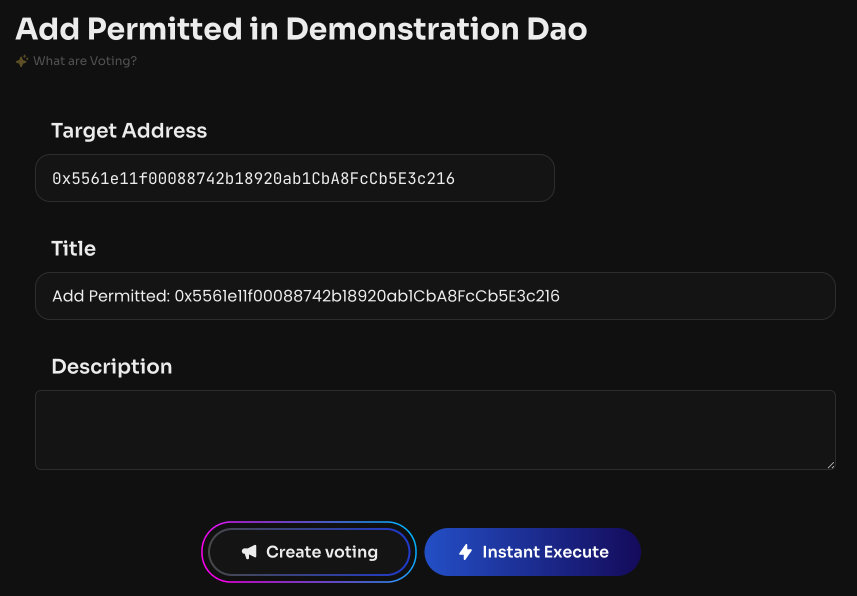
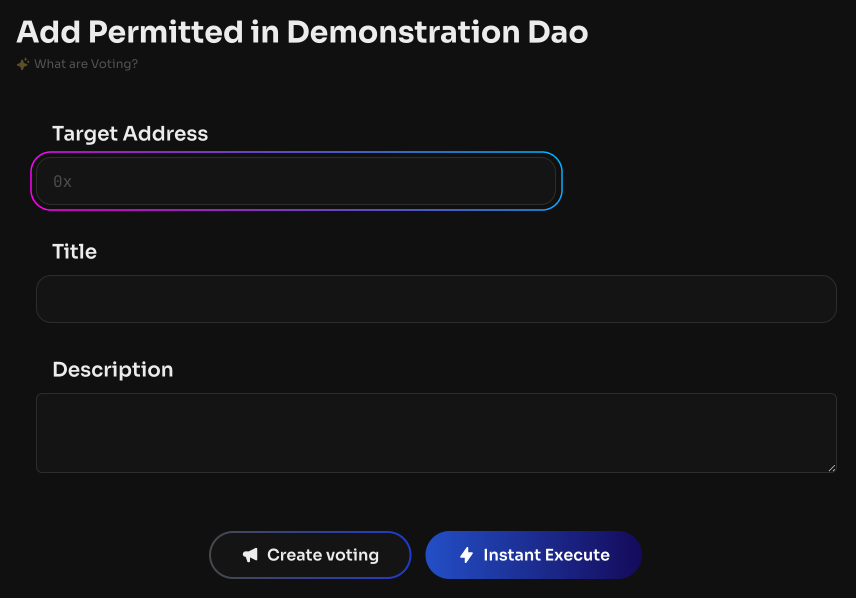
Specify the user's public address or a smart contract address.
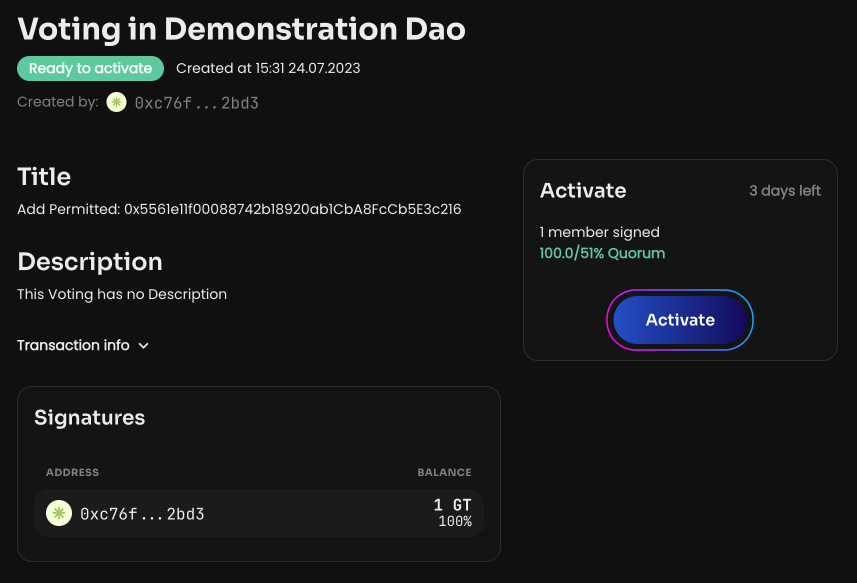
Click Create voting. Once the vote is created and activated, the Permitted address will appear in the DAO Permitted Addresses section on the Info page of your DAO.