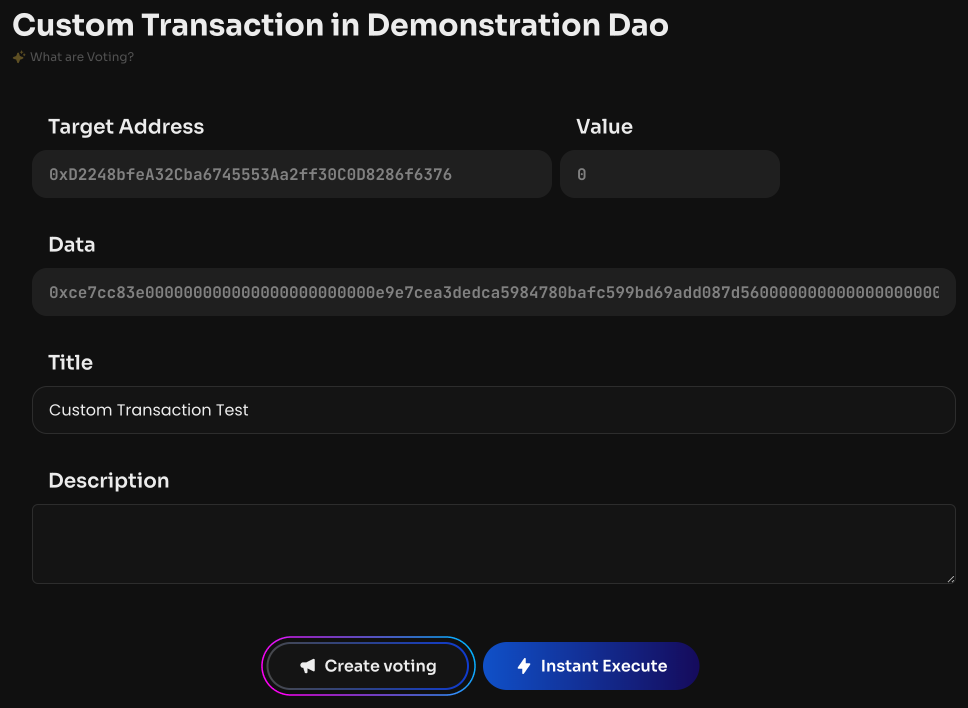
Custom Transaction
Custom Transaction lets you create any custom transaction. Custom Transaction is mainly used when XDAO modules interact with your DAO. You can also interact with your own smart contracts on behalf of the DAO.
A custom transaction is executed on behalf of the DAO with exactly the parameters you specify. Carefully check the recipient address (Target Address), amount (Value), and call data (Data): an already executed transaction cannot be undone.
To create a Custom Transaction:
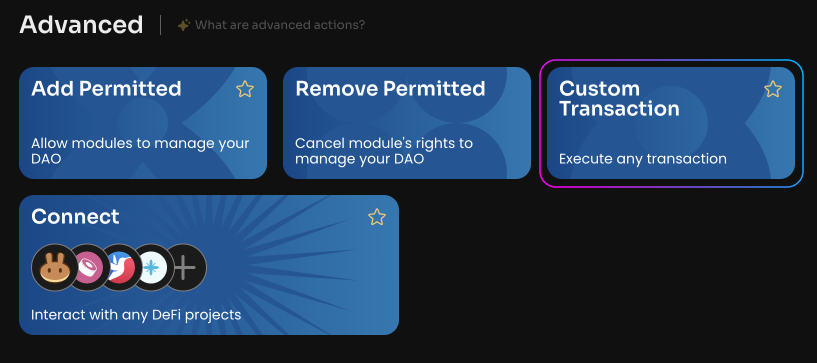
Click Custom Transaction on the Manage page of your DAO.
Specify the Target Address.
Specify the Value.
Specify the Data.
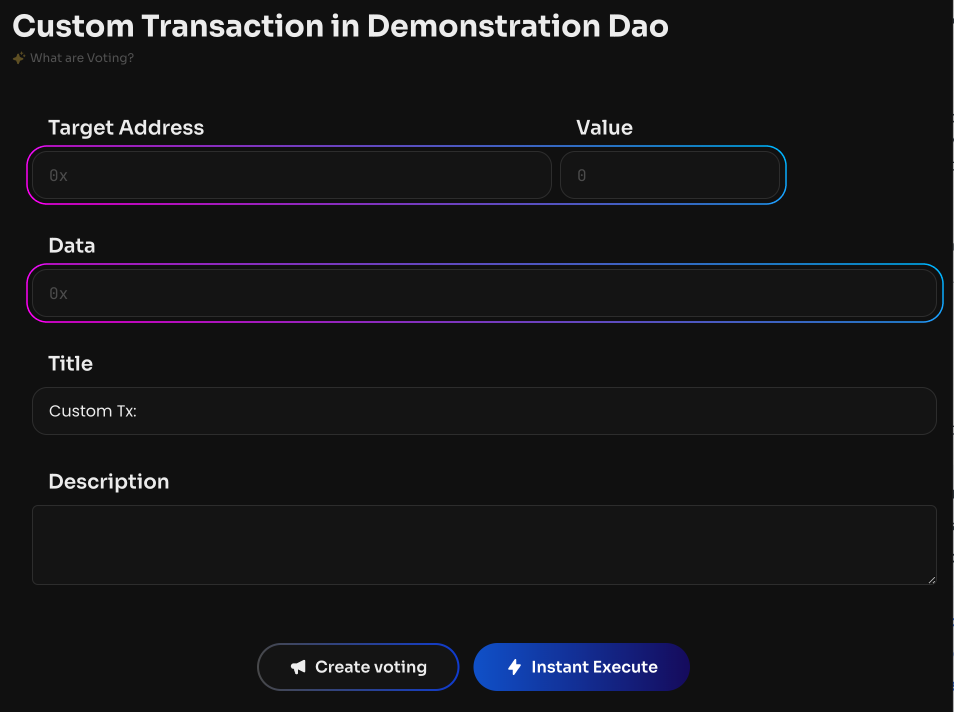
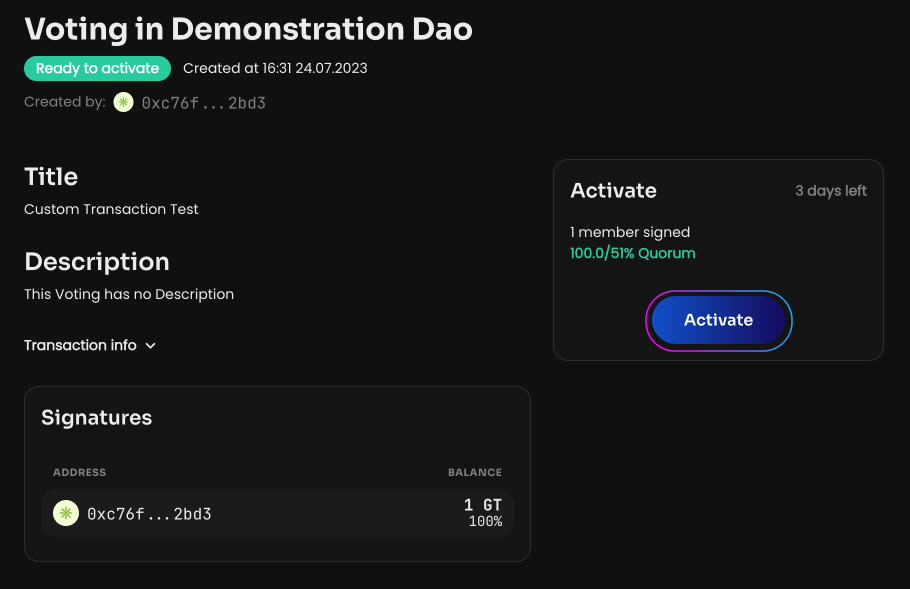
Click Create voting. Once the vote is created and activated, the custom transaction will be executed on behalf of the DAO.