Remove Permitted
Remove Permitted removes a previously added address from the Permitted list. After the vote, this address will no longer be able to perform operations on behalf of the DAO without a vote.
To remove an address from Permitted:
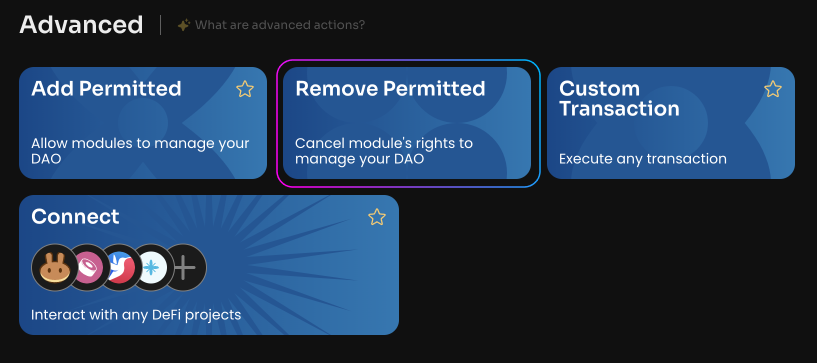
Click Remove Permitted on the Manage page of your DAO.
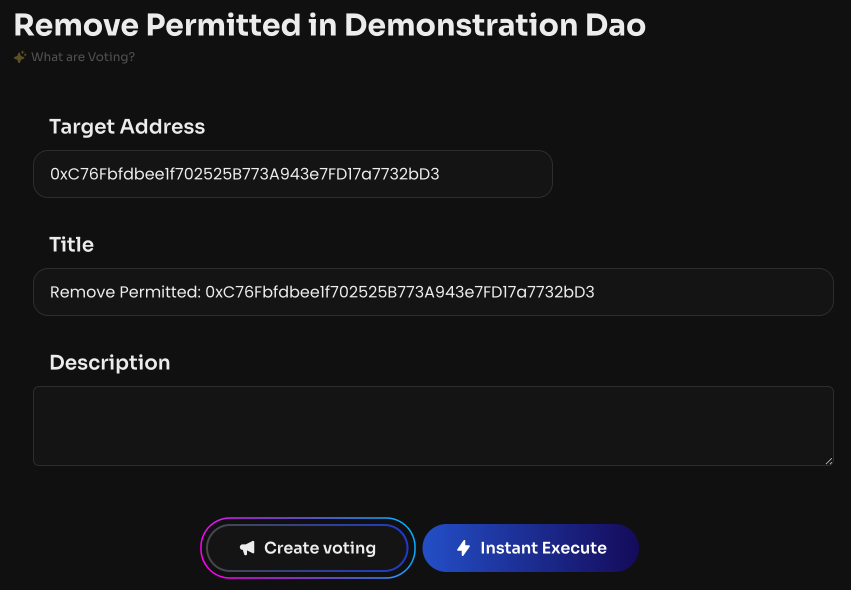
Specify the user's public address or the smart contract address that was previously added to Permitted.
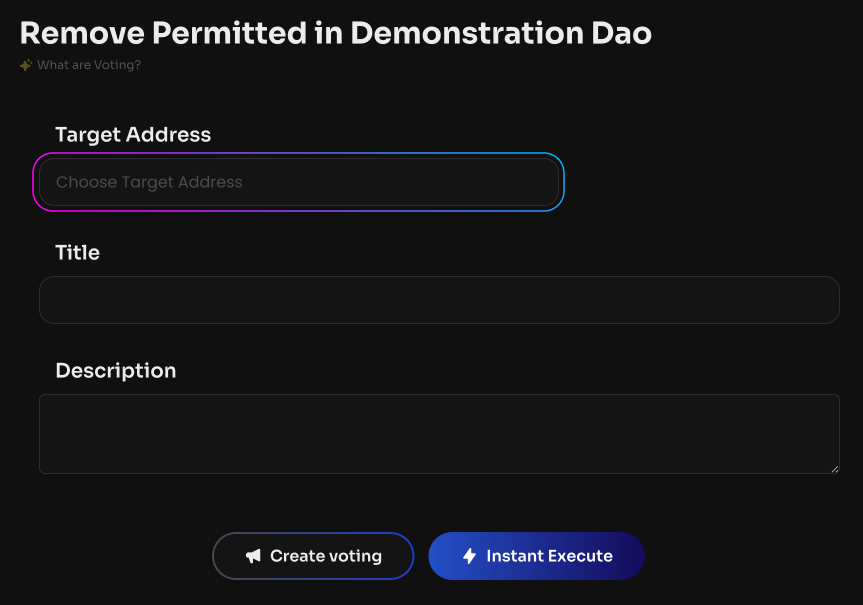
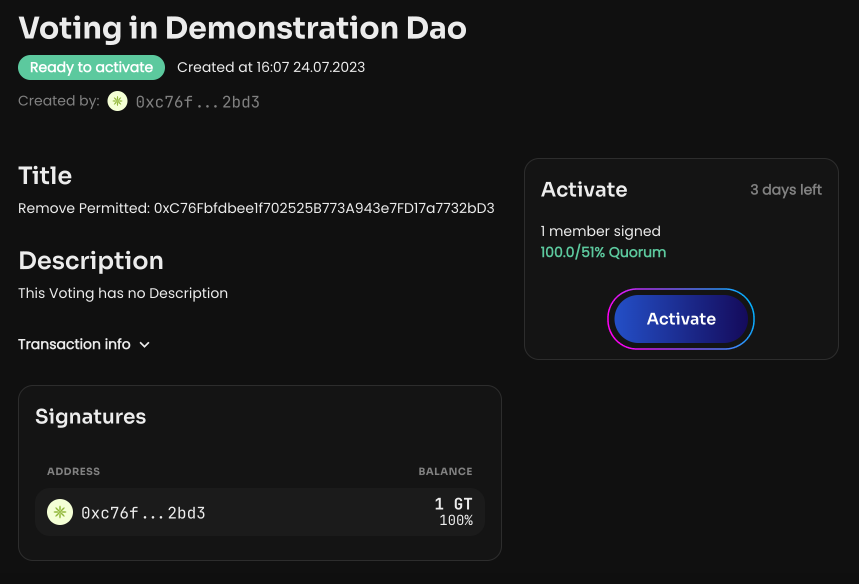
Click Create voting. Once the vote is created and activated, the Permitted address will be removed.