Add Member
Adding a new member to the DAO is, in essence, a regular vote.
Before creating the vote, make sure GT Minting is enabled, otherwise the transaction will be rejected. GT Minting is always enabled by default.
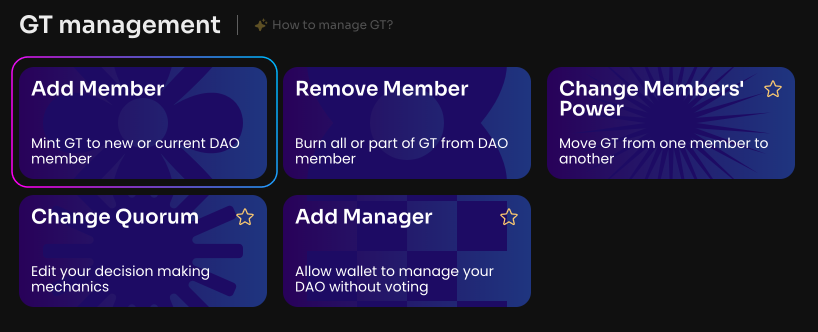
Click Add Member on the Manage page in your DAO.
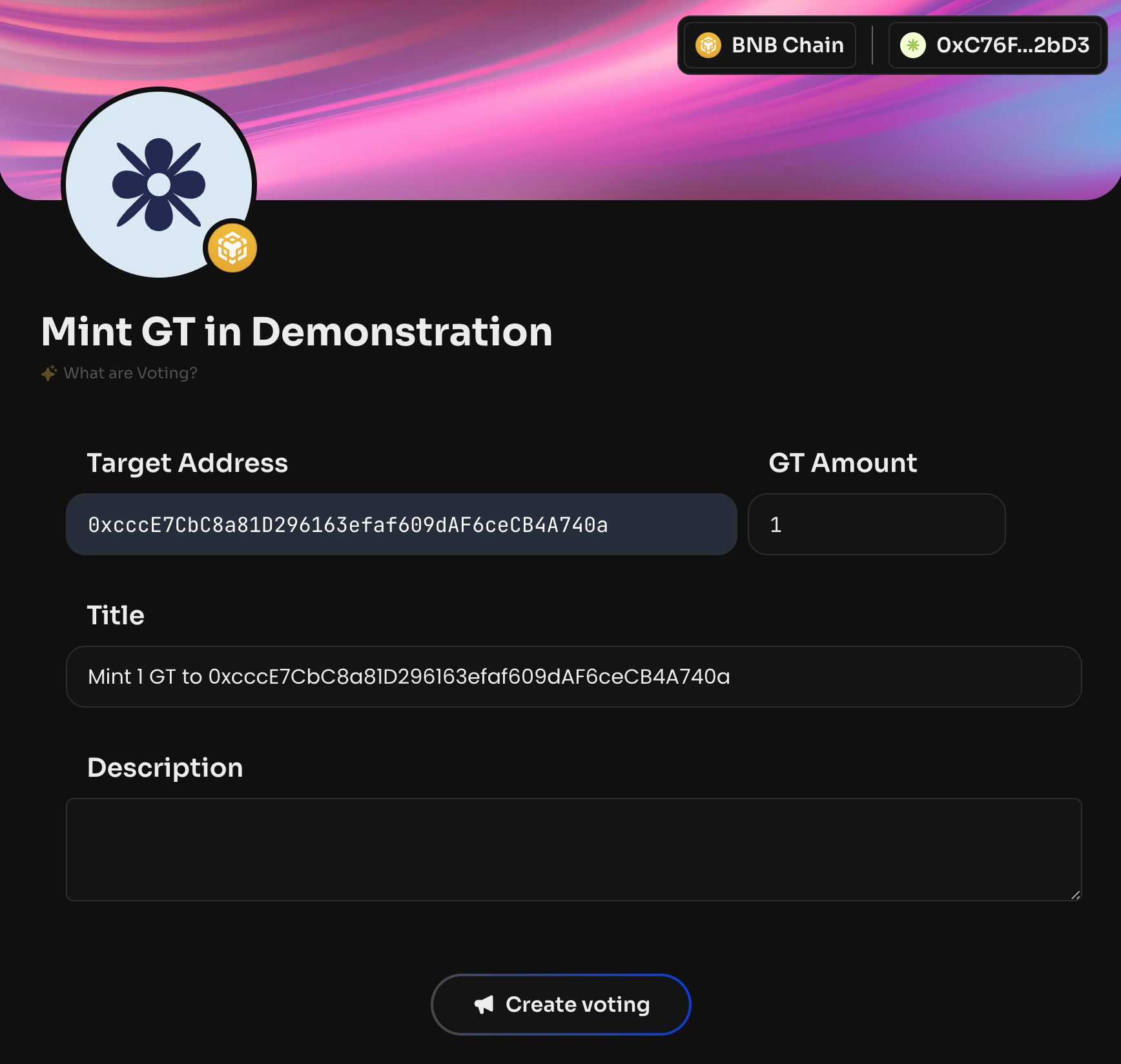
To add a member, enter their public address and the amount of GT.
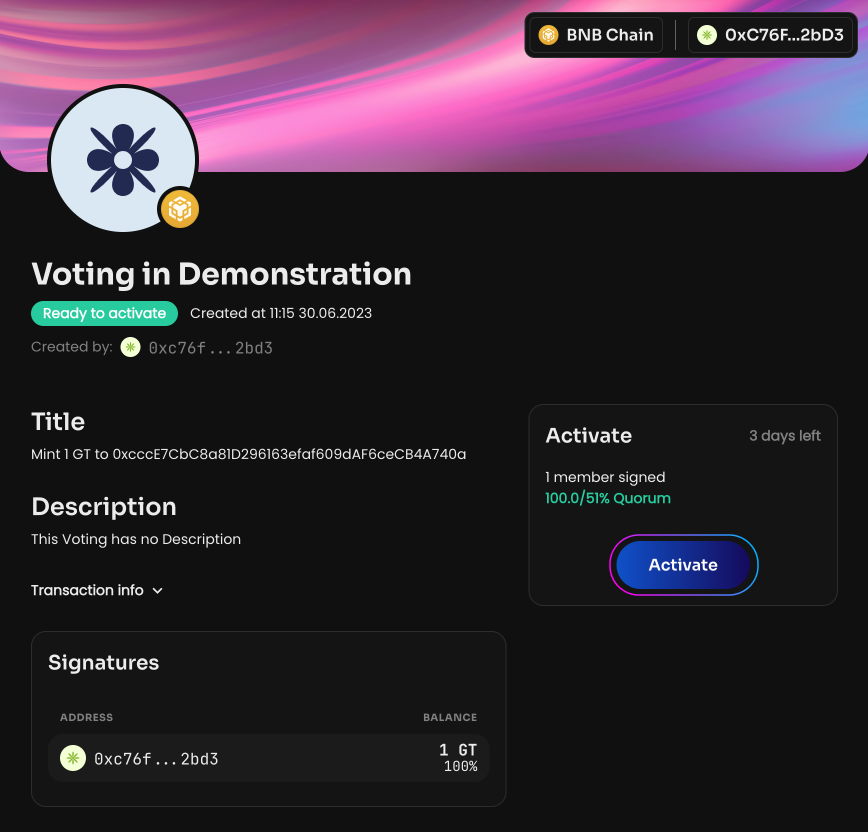
After the vote is created and activated, the specified amount of GT will be sent to the new DAO member, and they will appear in the DAO members section on the Activity page in your DAO.
You can also add GT to an existing DAO member to increase the voting power of a specific person or your own. The procedure is the same.