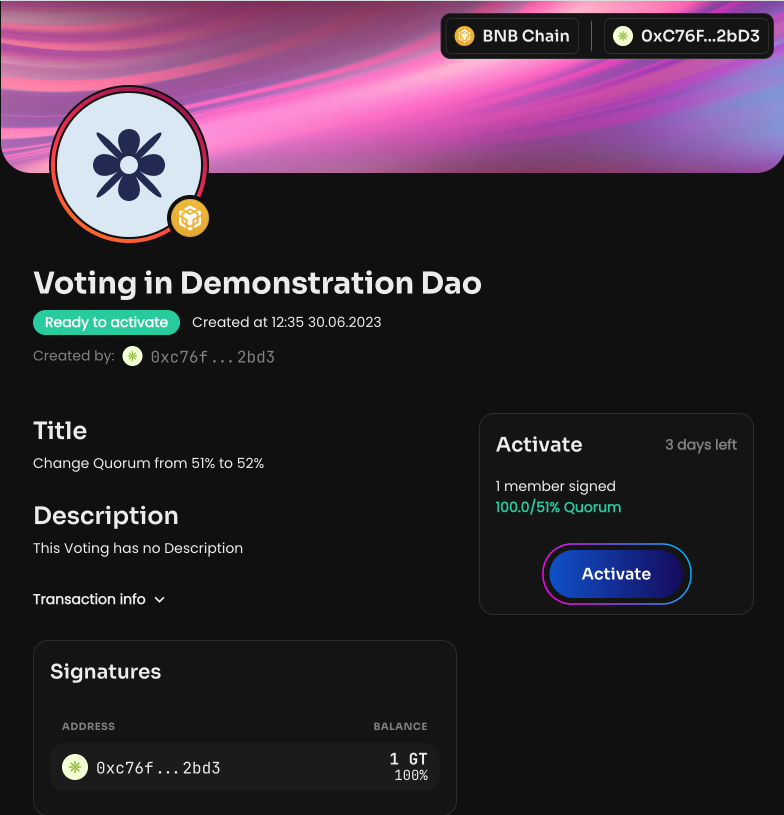
Change Quorum
Quorum is the share of votes (GT) required for a DAO decision to be adopted. It can be changed at any time after the DAO is created. To learn how to choose the right value, see the section How to choose the right quorum?.
To change the quorum:
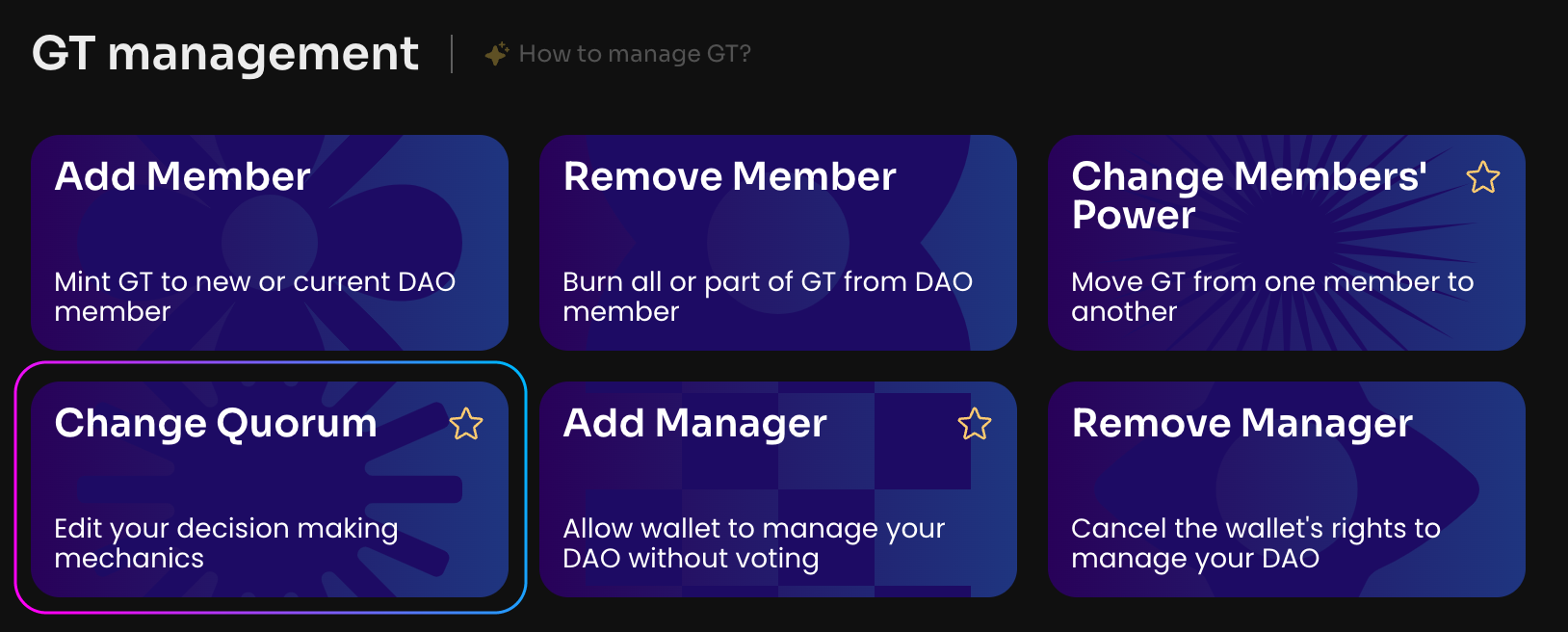
Click Change Quorum on the Manage page in your DAO.
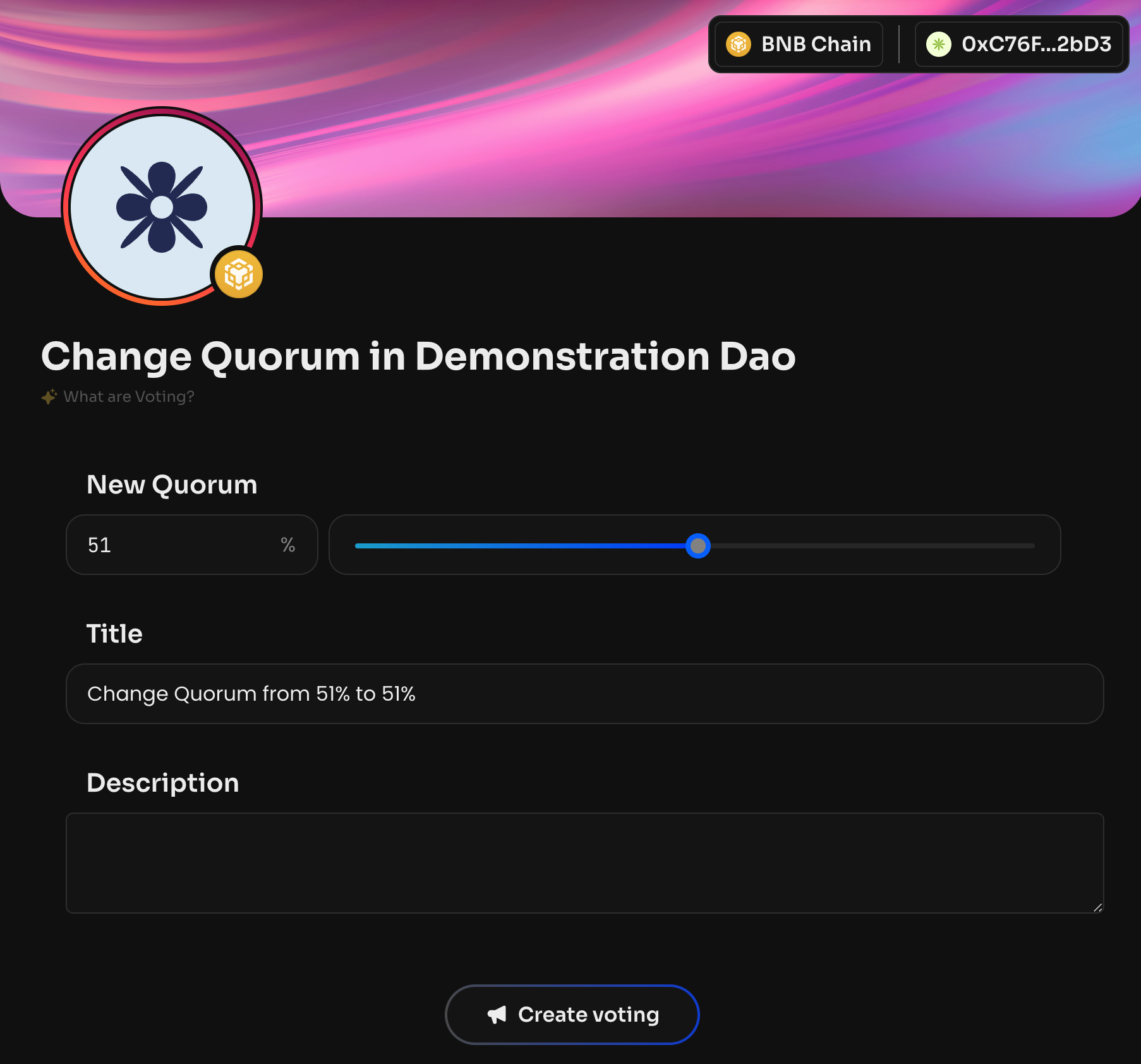
Enter the new quorum number or use the range slider.
After the vote is created and activated, the new quorum will be adopted in the DAO.