Change Members' Power
Governance Tokens (GT) cannot be sent to another wallet via a regular transfer — this is done to prevent manipulation of voting.
Whenever you try to send a governance token using transfer or transferFrom, you will get the error message: GT: transfer is prohibited.
Instead, a member can simply transfer their GT to someone through a vote.
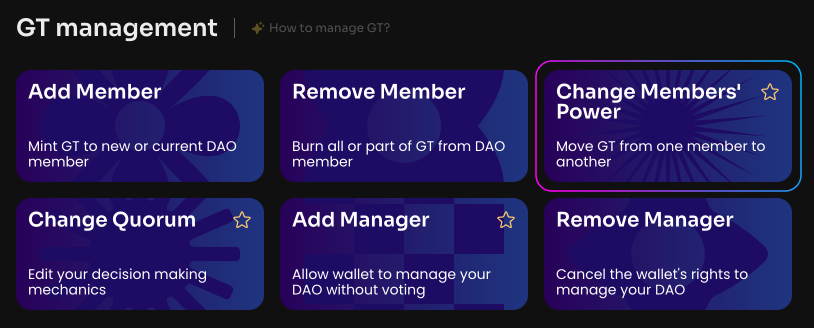
Click Change Members' Power on the Manage page in your DAO.
To transfer GT from one member to another, enter the public addresses of the sender and recipient members, as well as the amount of GT.
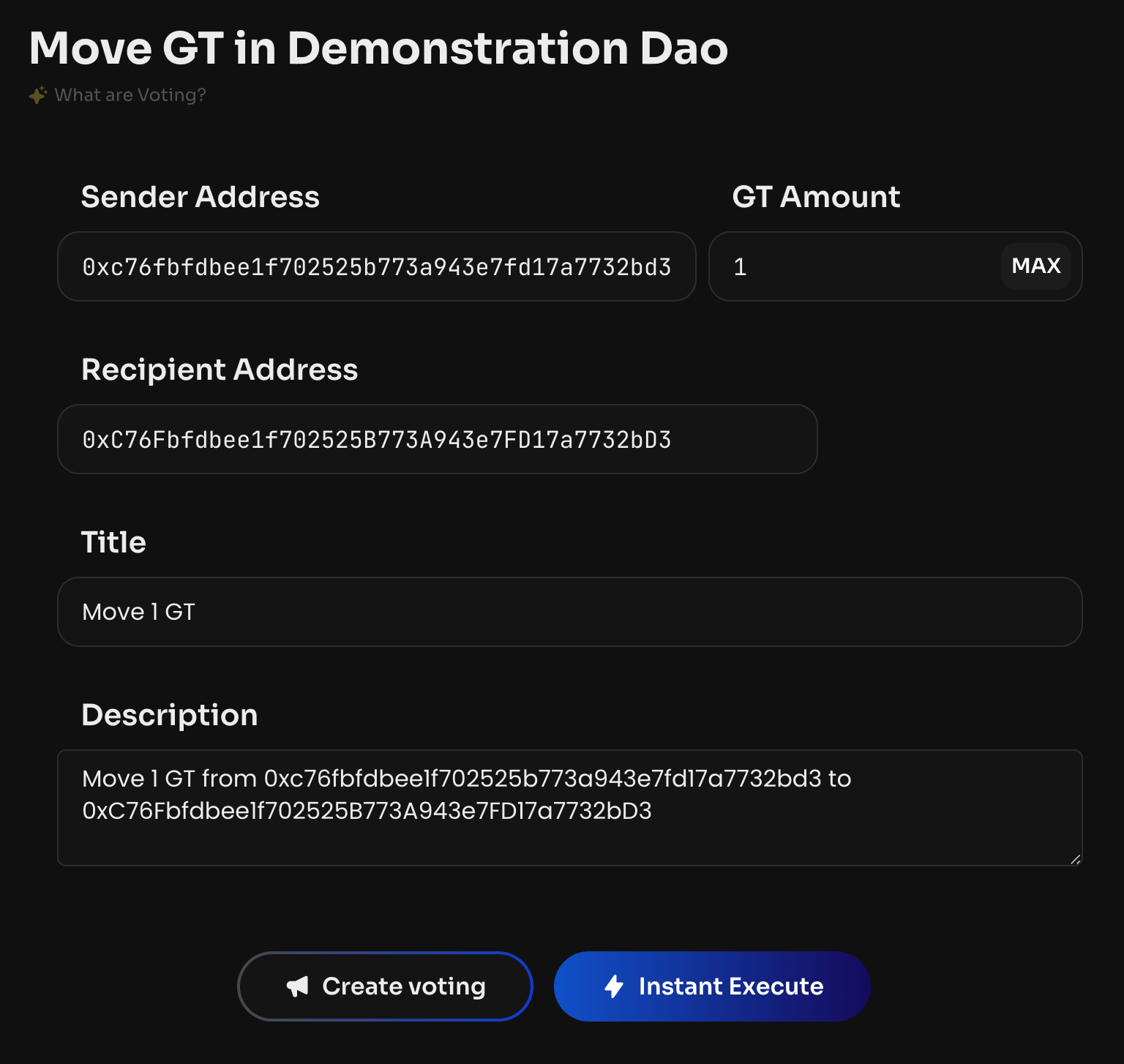
After the vote is created and activated, the specified amount of GT will be moved to the recipient.
This option is especially useful if GT Minting is disabled and frozen in your DAO — in that case members cannot add a new person by simply minting new tokens; or if GT Burning is disabled and frozen — in that case a member cannot leave the DAO by burning tokens.
The form accepts any sender address and checks whether the specified DAO member has enough GT.
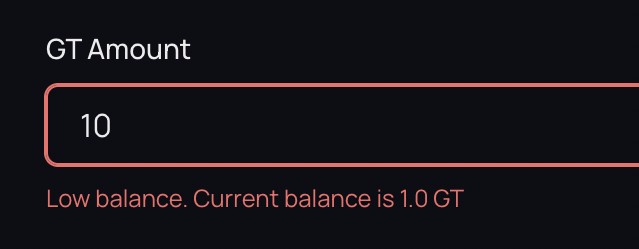
If there isn't enough GT, the error "Not enough GT in this wallet" is shown.